
Every default photo comes from a public post on mastodon.social, collected from the hashtags #cat, #caturday and #catsofmastodon. Photos are checked on-device to confirm they show a cat, and near-duplicates are filtered out before they become part of the curated set. The app and widget always offer a direct link to the original post. Caturday Pro can instead display still images from one Photo Library album you choose; those images stay on your device.
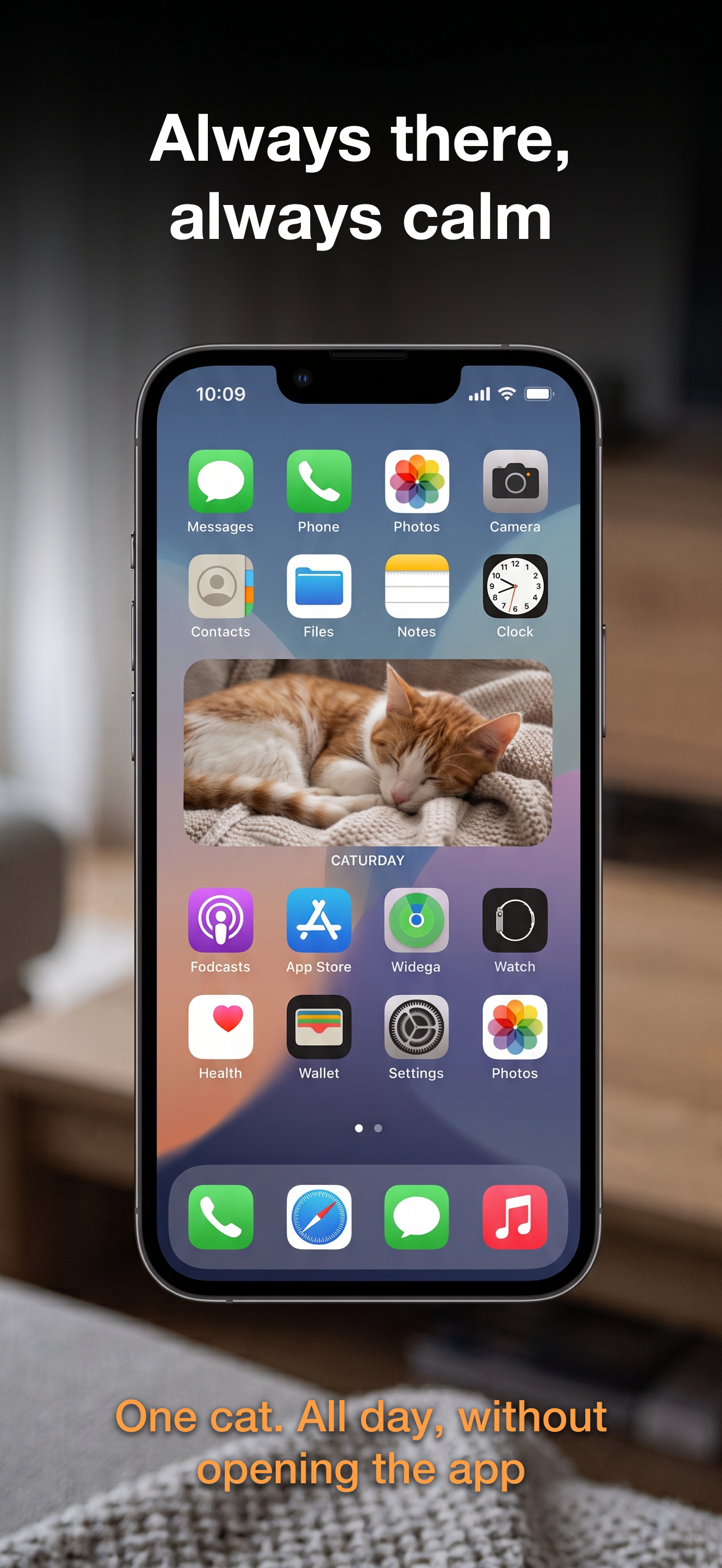
Caturday keeps a calm, curated stream of cat photos on your iPhone and iPad — a random cat that changes on a schedule, ready whenever you want a break.

Features:
- a new curated cat photo, on a schedule
- browse and pick a different cat any time
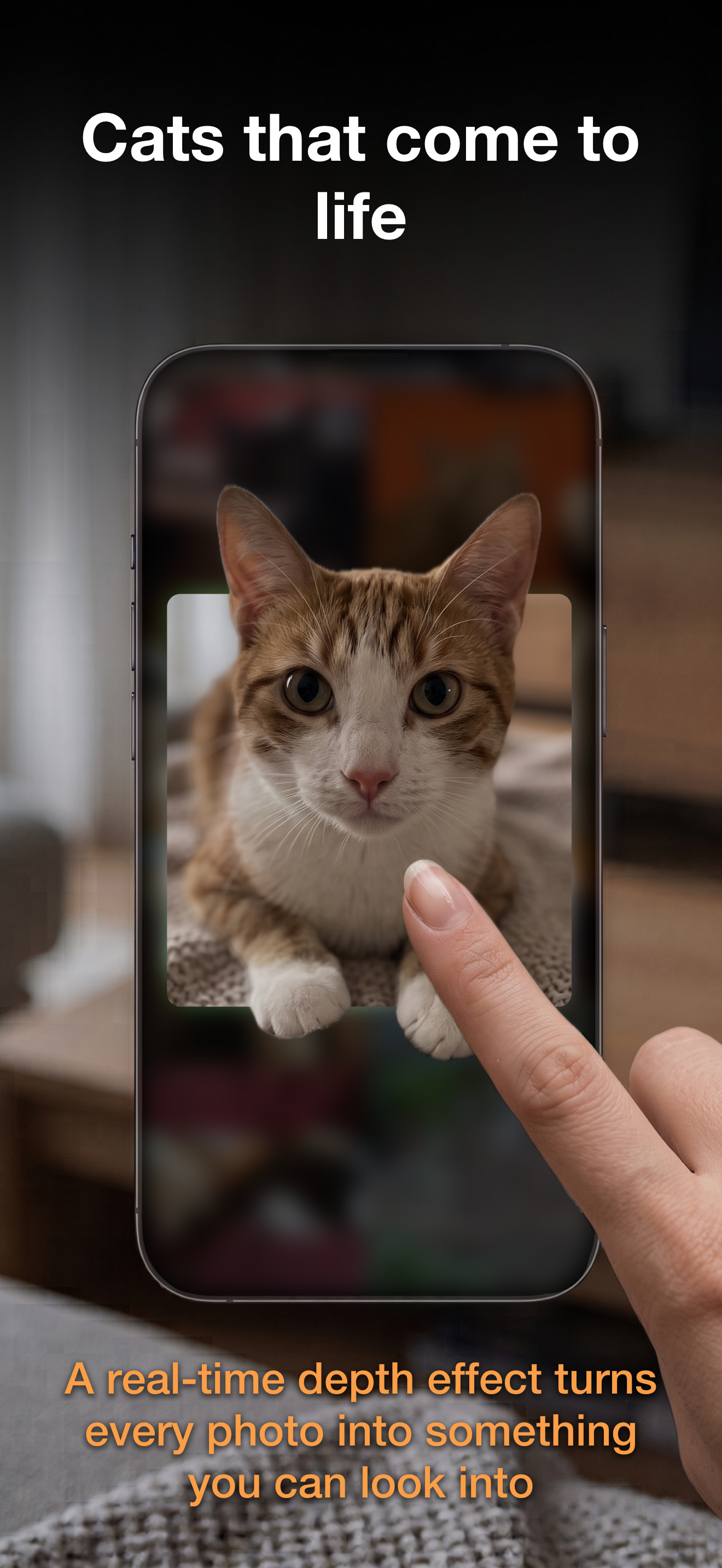
- on-device depth effect where supported
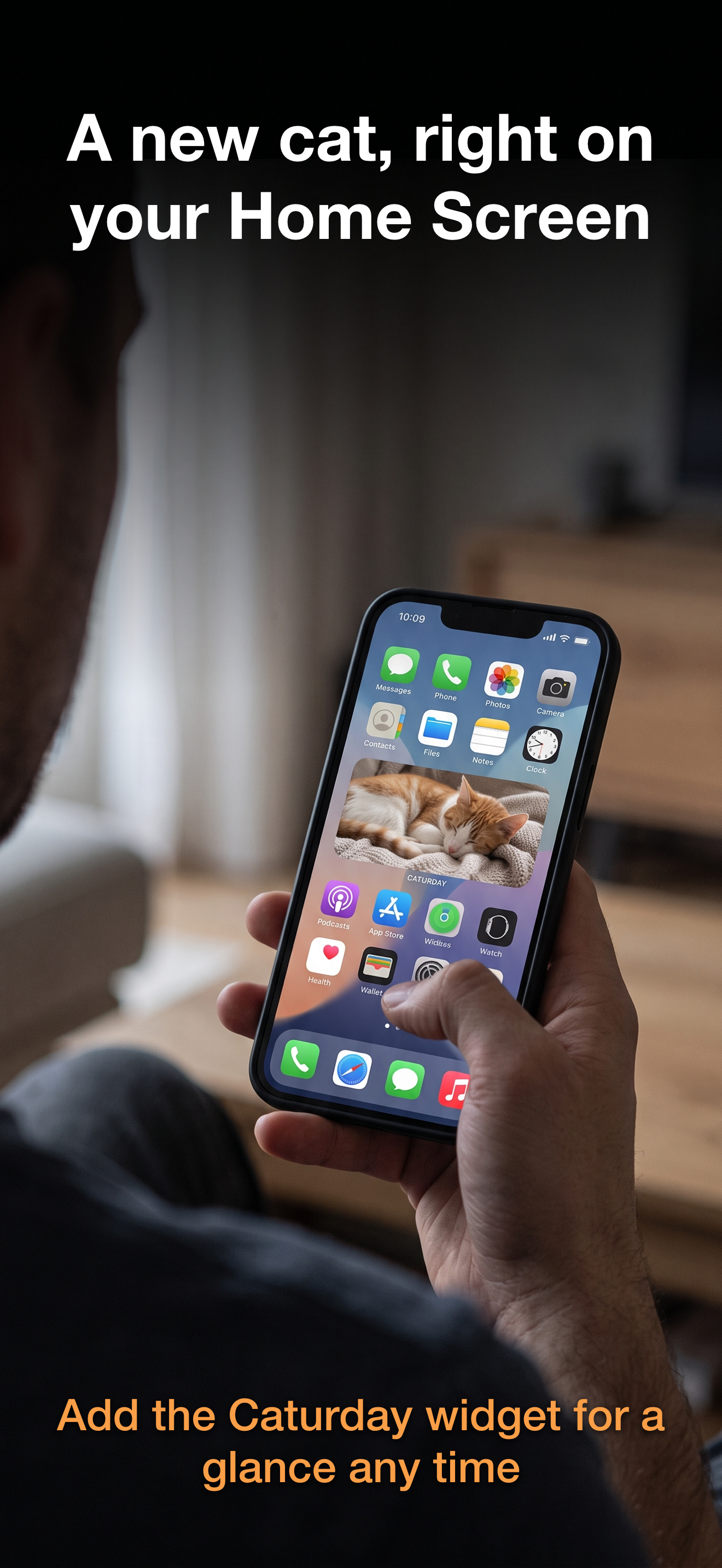
- a glanceable widget for your Home Screen
FAQ:
Where do the cat photos come from?
Do I need an account or a subscription?
No. Caturday creates no account and asks for no email address or password. It only needs your device to be signed in to iCloud to sync the shared cat-photo cache. Caturday contains no analytics, no tracking and no advertising.
What is Caturday's age rating?
Caturday is rated 4+ on the App Store.
How often does the cat change, and can I pick a different one?
A current cat is shown and changes on a schedule, so there is a new one waiting whenever you open the app. You can also browse the collection and choose another cat at any time. Photos are stored on your device, so an already synced cat is there even without a connection.
How do I add the widget to my Home Screen?
- Long-press an empty area of your Home Screen until the icons jiggle.
- Tap the + button in the top corner.
- Search for Caturday and choose a widget size.
- Tap Add Widget, then tap Done.
What is the depth effect?
Open a cat and drag the photo with your finger: on devices that support it, the picture is separated into foreground and background, and the layers shift against each other as you drag, so a flat photo gains real depth. All of it is computed on your device — no photo is sent anywhere for it.
How can I get help, report a bug, or request a photo removal?
For questions, feedback, bugs, or removal requests, email [email protected]. For a photo removal, include the original Mastodon post link or enough detail to identify the photo. We aim to respond within 5 business days. See the Content & Takedown Policy for details.
© Oliver Michalak · @caturday · 2026- · Privacy · Content Policy